Manage clans and guilds across games
Track boss spawns, send Discord alerts, organize events, and split loot. Set up each room for your game and your guild’s rules.
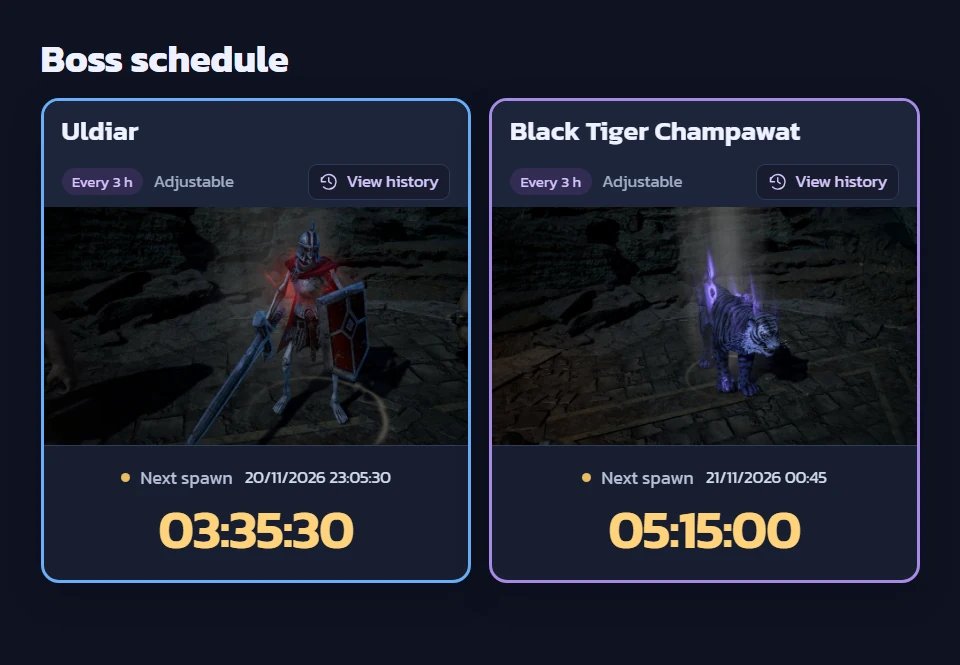
Explore a public demo
Open a public preset to explore boss schedules and sample item catalogs without creating an account.
Browse all public presetsTools for guild admins
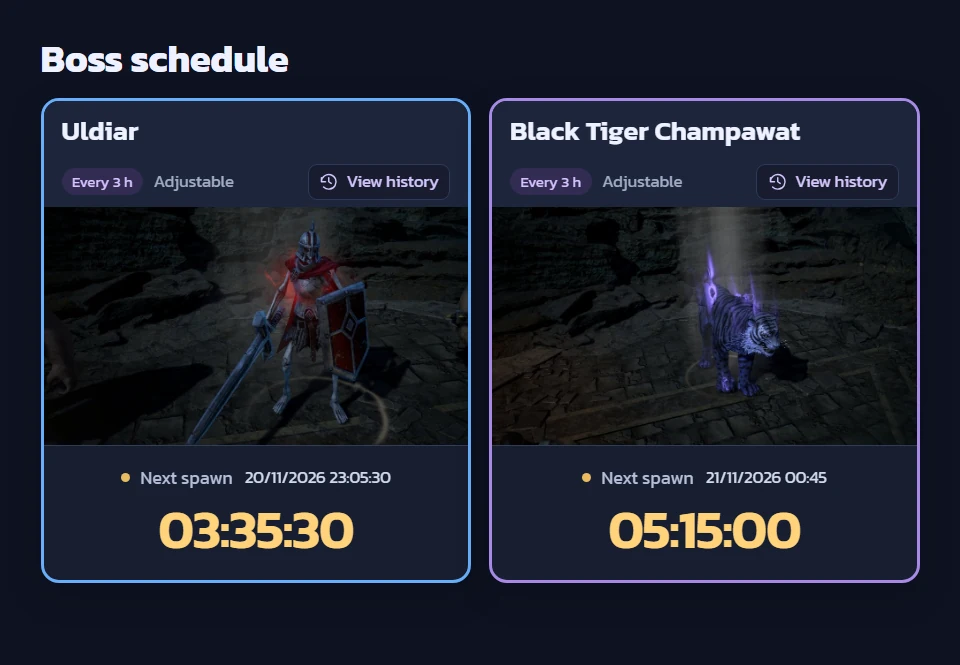
Boss timers
Check upcoming spawns, organize bosses by category, and send advance alerts to Discord.
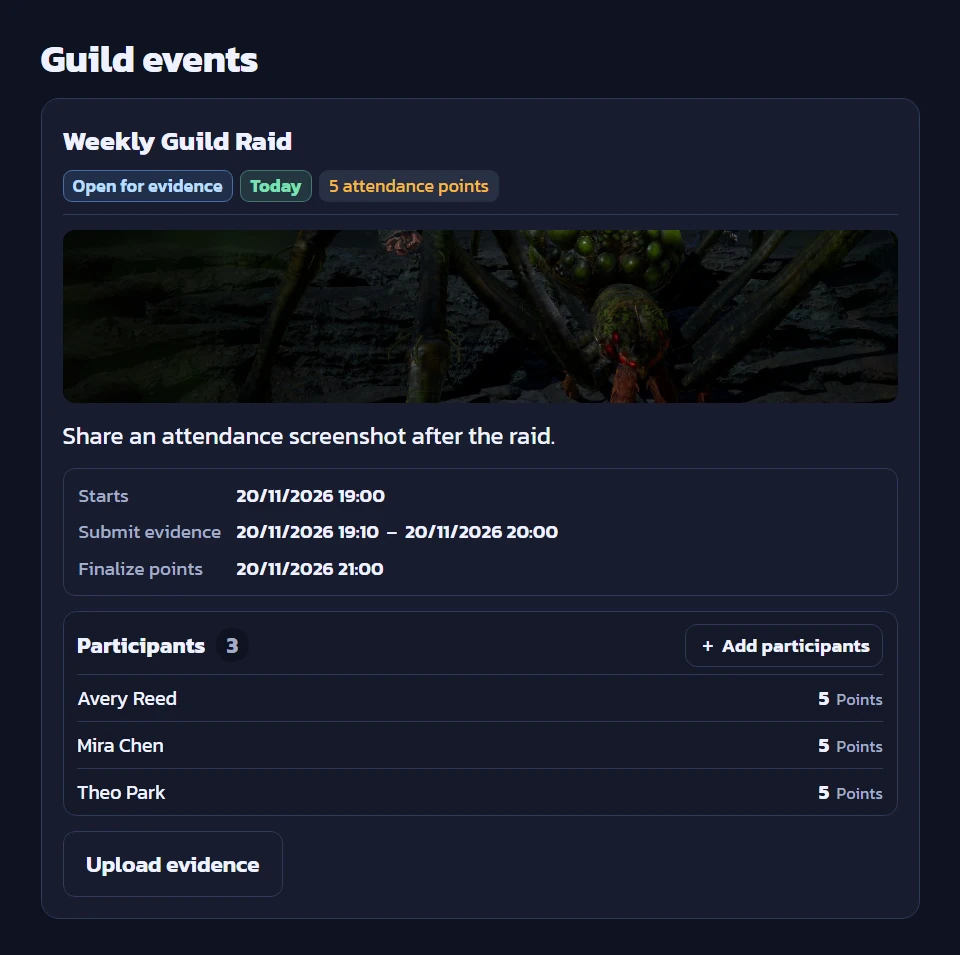
Guild events
Collect screenshots, approve attendance, and combine points across events.
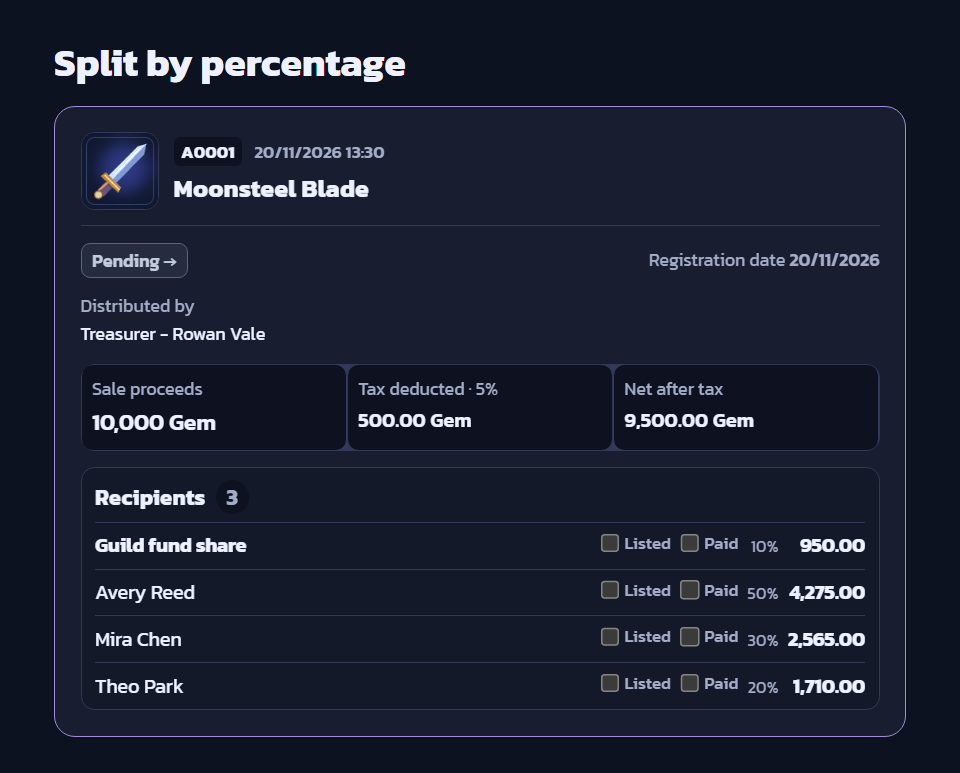
Loot distribution
Choose the game’s currency, deduct tax and a clan share, then split proceeds and track payments.
Explore a preset, then set up your guild
Open a public preset
Check the next boss spawn, switch between cards and tables, or browse the item catalog when the preset includes one.
Join a guild
Sign in and use an invitation from a Guild Admin. Accounts with a verified Google email can create one guild by default.
Set up your guild’s workflow
Add bosses and configure alerts. Try recording one event or loot distribution before using it with the whole guild.
Getting started and game examples
Send boss alerts to Discord
Set up a webhook, choose the channel and message language, then test the alerts.
Splitting item sale proceeds
Compare equal, percentage, manual, and points-based payouts.
Guild activities and results
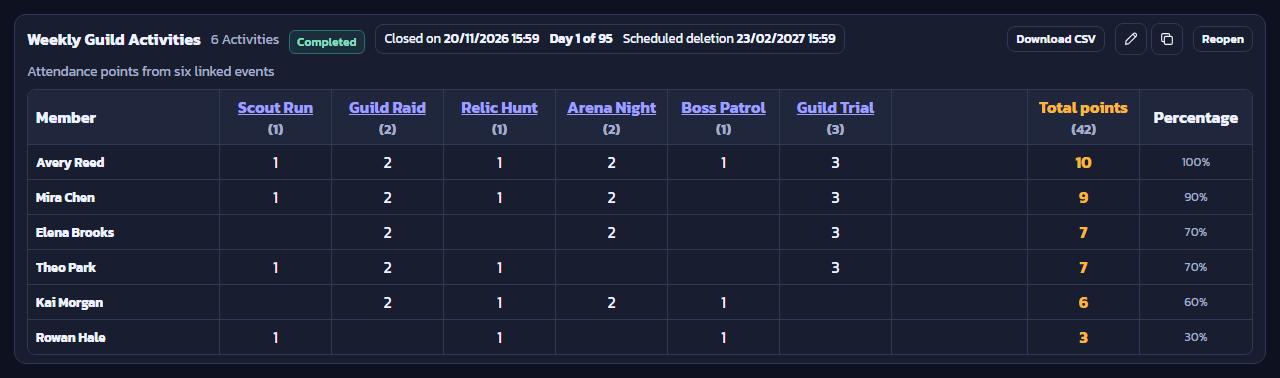
Set up activities, review attendance evidence, combine member points, and export the results as CSV.
Frequently asked questions
Can I try a preset before signing up?
Yes. Public presets open without an account. Saving boss times and managing guild records require signing in and having the appropriate room permissions.
Do Discord alerts work when the tab is closed?
Yes. The server and Discord alert worker need to be running. The boss alerts and relevant webhook message types also need to be enabled.
Can one member submit evidence for several people?
While a distribution accepts evidence, a member can upload one image and select multiple participants. Once approved, selected members see a notice on the card and can still submit their own image.